A sequencer records or arranges musical events in time. A step sequencer makes that timing visible as a row or grid: add a note at a step, play the pattern, then change the instructions. Some sequencers also handle audio, so the word covers more than one way of working.
What does a sequencer store?
The distinction starts with the data. Wikipedia's overview of music sequencers describes systems that handle note and performance information through MIDI, CV/Gate or Open Sound Control. It also distinguishes sequencers that handle audio and automation inside a digital audio workstation, or DAW.
A MIDI sequence and an audio recording aren't the same object. Editing a note instruction changes what an instrument is asked to play; editing recorded audio works on the recorded sound. Both can live in the same production environment.
The useful question is therefore specific: is this device arranging note events, recording audio, or doing both? Calling all of those things a sequencer without the distinction makes a beginner's first comparison harder than it needs to be.
How does the step grid work?
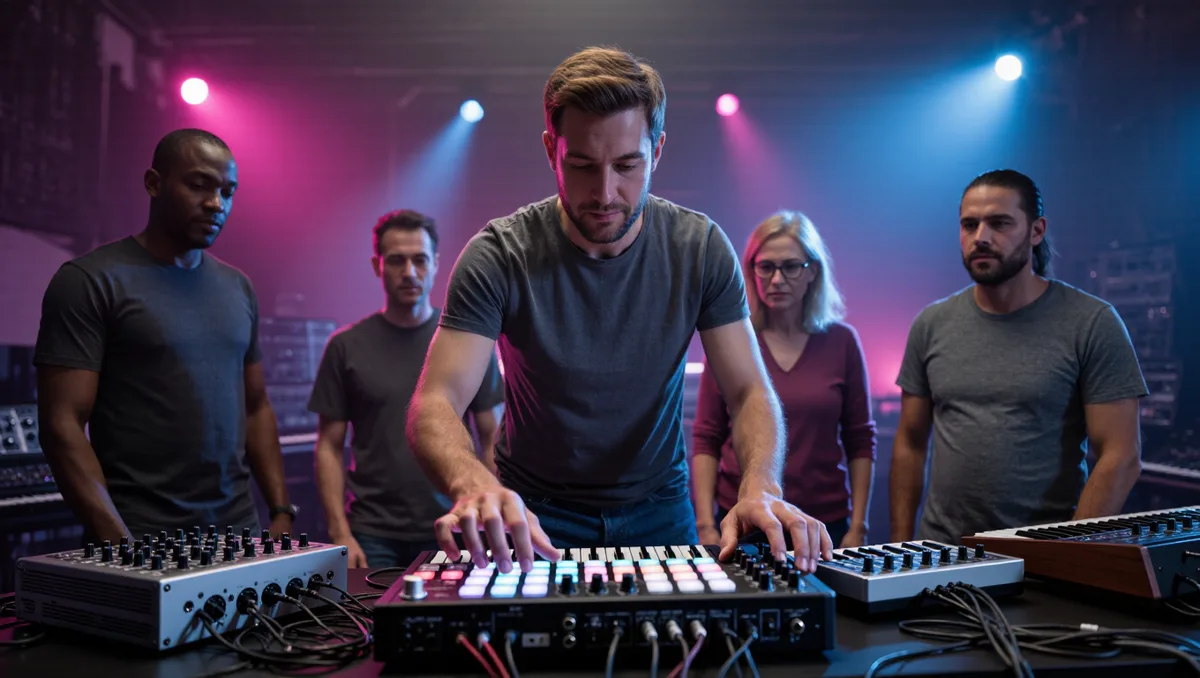
A step grid gives each position a place in a repeating pattern. Ableton's Push 1 manual provides a concrete example: its drum step sequencer lets a player place notes for a selected drum sound by pressing pads. The interface also provides control over the loop's length and the portion being edited.
The appeal is that a pattern can be inspected as well as heard. Add a hit, listen to the repeat, then remove or move the event. This is a suggested learning exercise, rather than a rule about how every dance track is made.
Start with a short loop and one sound. Once the connection between a position on the grid and the sound in the loop is clear, try a second sound. Keeping the first exercise small makes it easier to hear what each edit changes. We covered a connected angle in How to Start Producing Electronic Music at Home.
Is step entry the only way to build a sequence?
No. Wikipedia's overview distinguishes step entry from real-time recording, where note events are captured as they are performed. It also describes analog sequencers whose steps are controlled with knobs or sliders. The common idea is a sequence of musical events; the interface and the method of entering those events differ. For related coverage, see Analog Synths vs Digital: What Actually Sounds Different.
Those options don't establish that one approach is best for every player. Someone who wants to capture a phrase played on keys is asking for a different workflow from someone who wants to place individual drum hits on a grid.
What should a first experiment teach?
Use it to answer one question: can a musical idea be entered, played back and changed without starting over? Try the controls already available in a familiar instrument or application before comparing more equipment.
The grid is a tool for arranging a pattern. It doesn't supply the musical decision about where the next note belongs.